

Hugo is an open-source static site generator. With minimal to No coding needed after its initial setup. It generates HTML code from a Markdown file for the contents and is built using GO. And is auto-optimized for blazing fast load Times.
Prerequisites : #
- Markdown
Note: Markdown is pretty simple and easy to learn. It changes how the text looks based on some annotations.
Installation : #
Hugo is very well documented and has good instructions for installing.
Dependencies: #
Linux : #
**Debian **and Debian-Based Distros:** sudo apt install hugo`
Arch : sudo pacman -S hugo
More Ways to Install
Windows : #
Chocolatey: choco install hugo-extended
Scoop: scoop install hugo-extended
Winget : winget install Hugo.Hugo.Extended
More Ways to Install
macOS : #
Homebrew: brew install hugo
MacPorts:sudo port install hugo
More Ways to Install
Themes : #
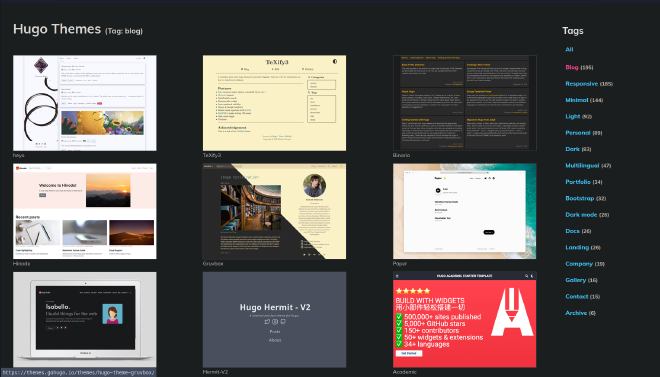
Hugo has a plethora of themes to choose from for different needs like for a Blog, Portfolio, etc. I use the Blowfish theme for this blog.
Setup: #
Hugo has good documentation for setting up Custom themes. Themes from Hugo have their Documentation for setting up sites. A good one for the Blowfish is from N90.