

Setting up projects for deployment has become a breeze! However, there are some straightforward steps that, if overlooked, might lead to hiccups when deploying an Angular project to Netflix.
prerequisites: #
- Build your Angular project.
- Upload your project to GitHub or any equivalent platform.
- Create a Netlify account, linking it with your GitHub or other accounts.
Things to do in Netlify: #
- first select Add a New Site and select the option import an Existing project.
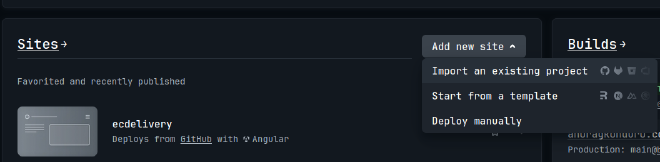
- select Deploy With GitHub or other option.

- Give Authorization to Netlify for your Git account.
- And select to give permission to one selected projects or your whole git projects and Save.

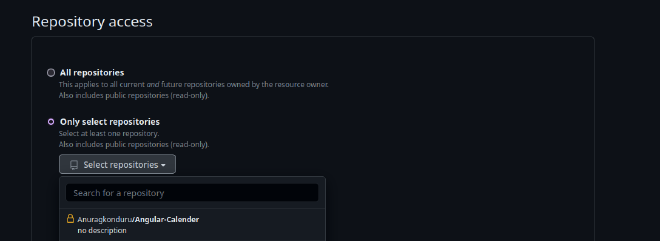
- Now you should be able to see your projects in Netlify and select a project.
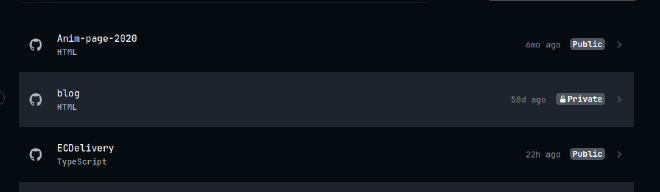
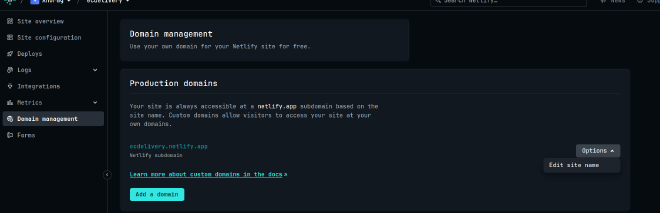
- It Will auto detect your project and you can add environment variables if required. and deploy the project you can it will be deployed to s <random Generated text >.netlify.app and you can change the random text to the appropriate name here and your project is deployed.
- It Will be similar to other frameworks as well. But for Angular there are some changes to be done before it is Deployed.
Things to Do in Angular: #
- In
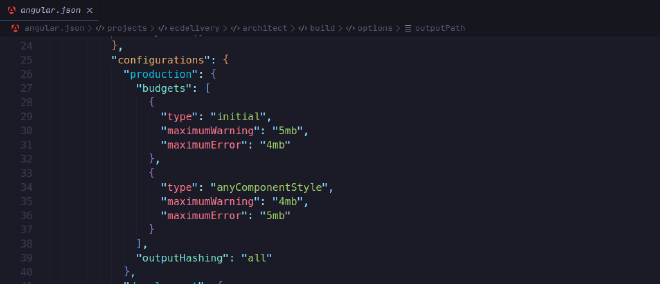
angular.jsonfile Change the values for the size limitsmaximumWarning,maximumError,maximumWarning,maximumError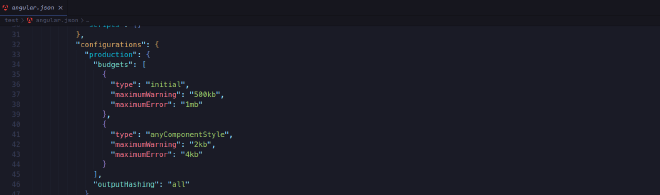
- Eg:
- Match The
outputPathin angular Config and netlify Publish directory.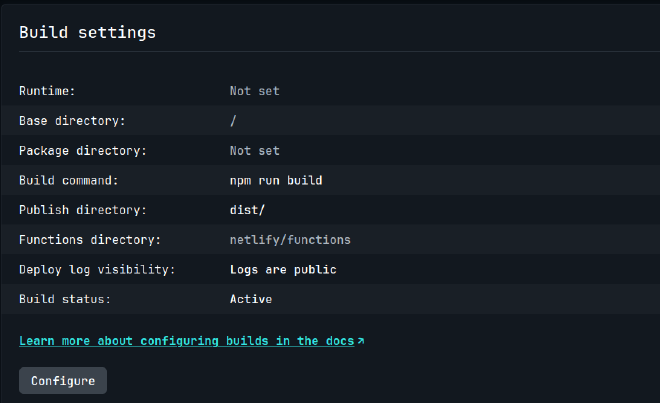
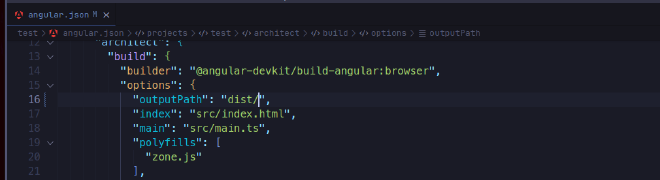
With these changes the deployment should work unless your project requires custom changes and you can also Buy a Domain to Host Your Project and you can set it up in Netlify.